A lot of my friends are jumping on the bandwagon. I didn’t see much use in it. But the other day, I answered the daily prompt about what life would be like without computers. I really, really wanted an image of a caveman burning a laptop in a fire. So I dove in…
I’ll admit, I’m a notorious cheap-ass. The best AI image generators cost something, and I’m not ready to purchase. I also hate trials because I still have to hand over a credit card number.
I was able to mess around with Dali. They’ll give you a few freebies. I thought this one turned out cool.

Dali has some nice features. You can pick from a bunch of styles, and it understands me better. It doesn’t seem to know what a good jack-o-lantern face is though, but I didn’t mind. It adds to the creepiness.
Leonardo is so-so from what I can tell. I didn’t mess with it too much. The free plan seems kinda limiting. All the cool stuff is behind the pay wall.
So, I’ve been working mostly with Microsoft 365’s AI image generator. It doesn’t even have a slick name like the rest of them. It’s totally free, and I’m not barraged with messages about how great my life would be if I gave them money.
One feature I like a lot is giving it an existing picture, and let AI “enhance” it.
Here’s one of my wedding pictures:

Here’s a few things it gave me back after I indicated a couple of different styles:

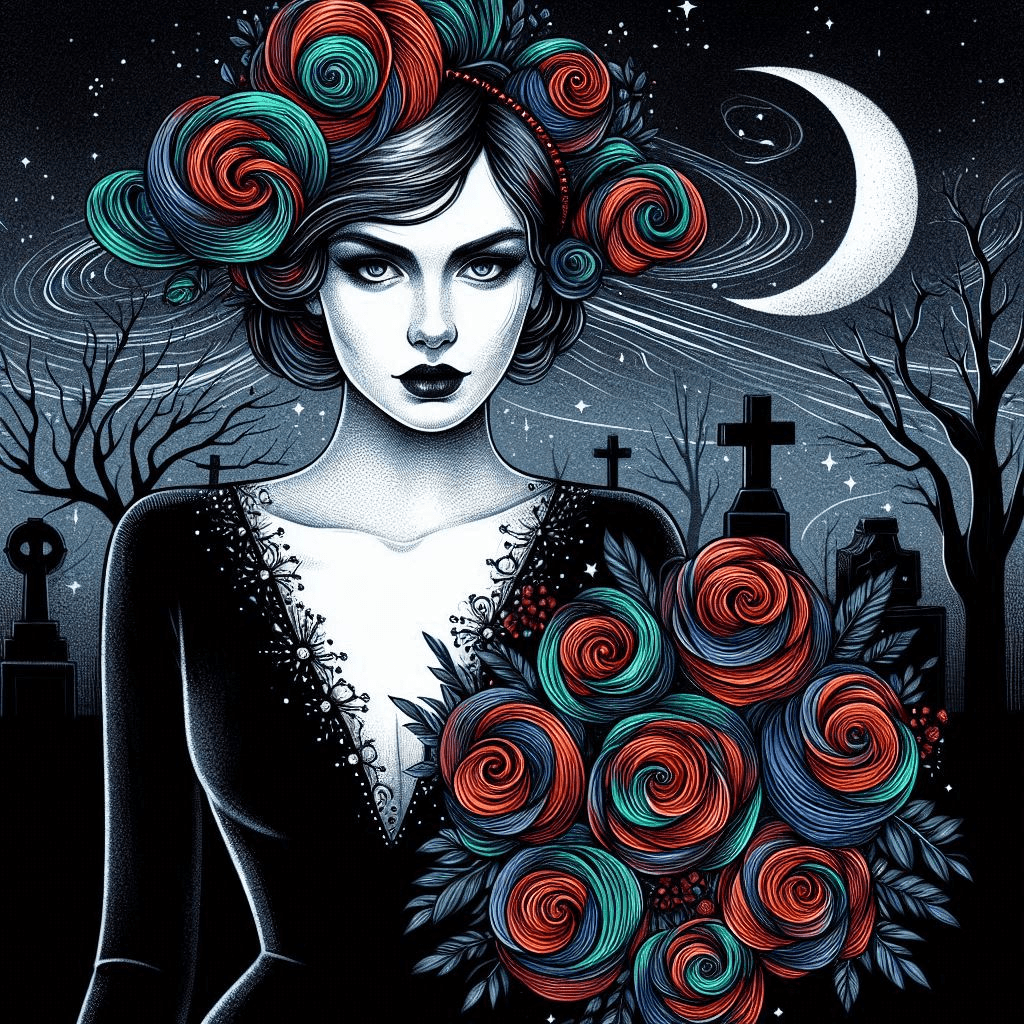
I like AI!! It makes me look hot (and young)! 😜
Another picture of me playing at the Ren Fest
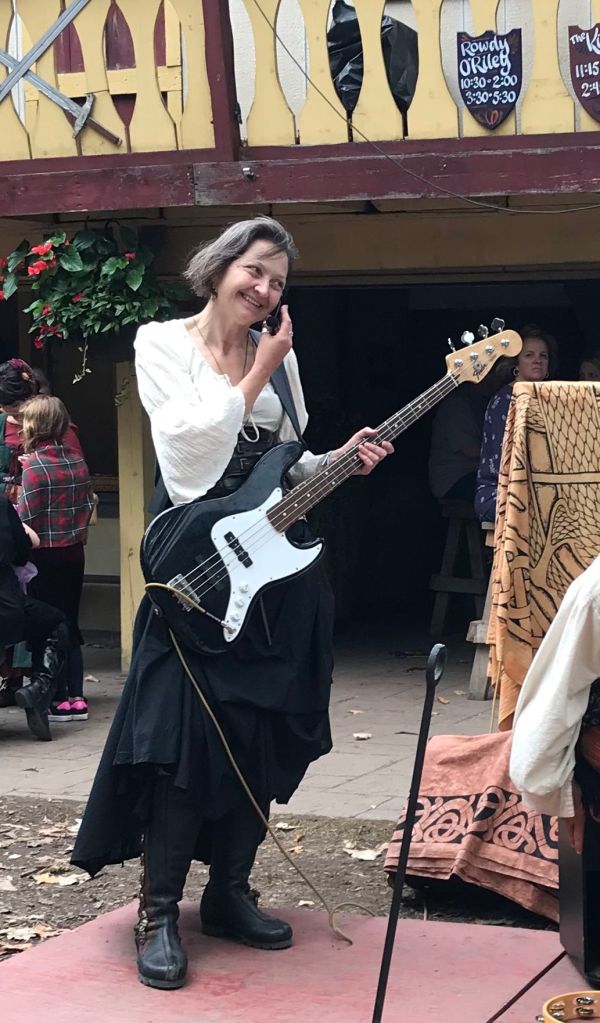
Got me

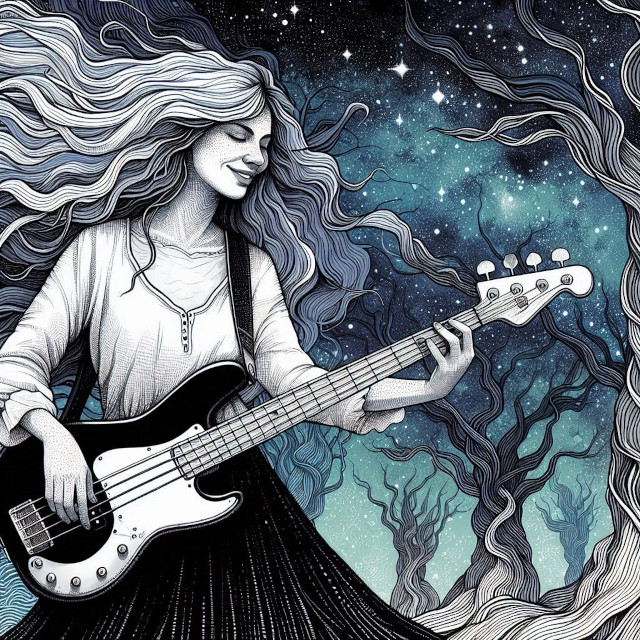
That hair!! I wish!
It all seems simple, and for the most part, it is. I just have to remember to input the style of the image first.
My description of “Lady pirate wearing a red and white stripe halter top and tall boots in pen and ink” generated this:
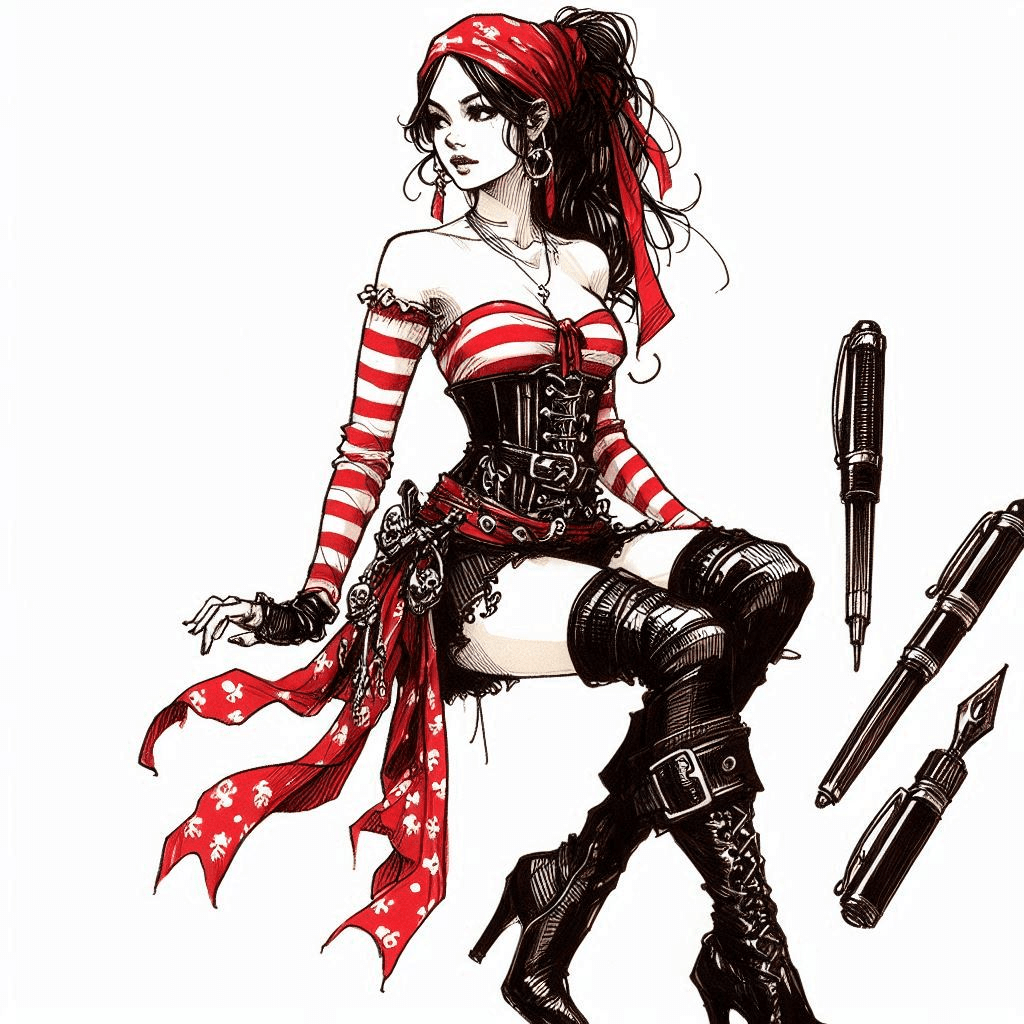
Luckily, I’m good with Photoshop. ‘Scus me – GIMP – because it’s free. 😂 I was able to cut out the pens and use her for a band flyer I made. 😉 Something tells me I’m going to be using this a LOT!


 Life is a dark ride
Leave a comment